

The ultimate guide for foodies & epicureans
The Insiders Maps
How to use the map?
Or click on the categories you’re interested in to explore the spots and add them
to your Google Maps.
Don’t forget to tap the Save button, this will keep the map in your Google Maps under “Favorites,” so you can access it anytime


Insiders Regional Maps
Embark on an unforgettable getaway to explore the enchanting beauty of Portugal with our curated Maps!
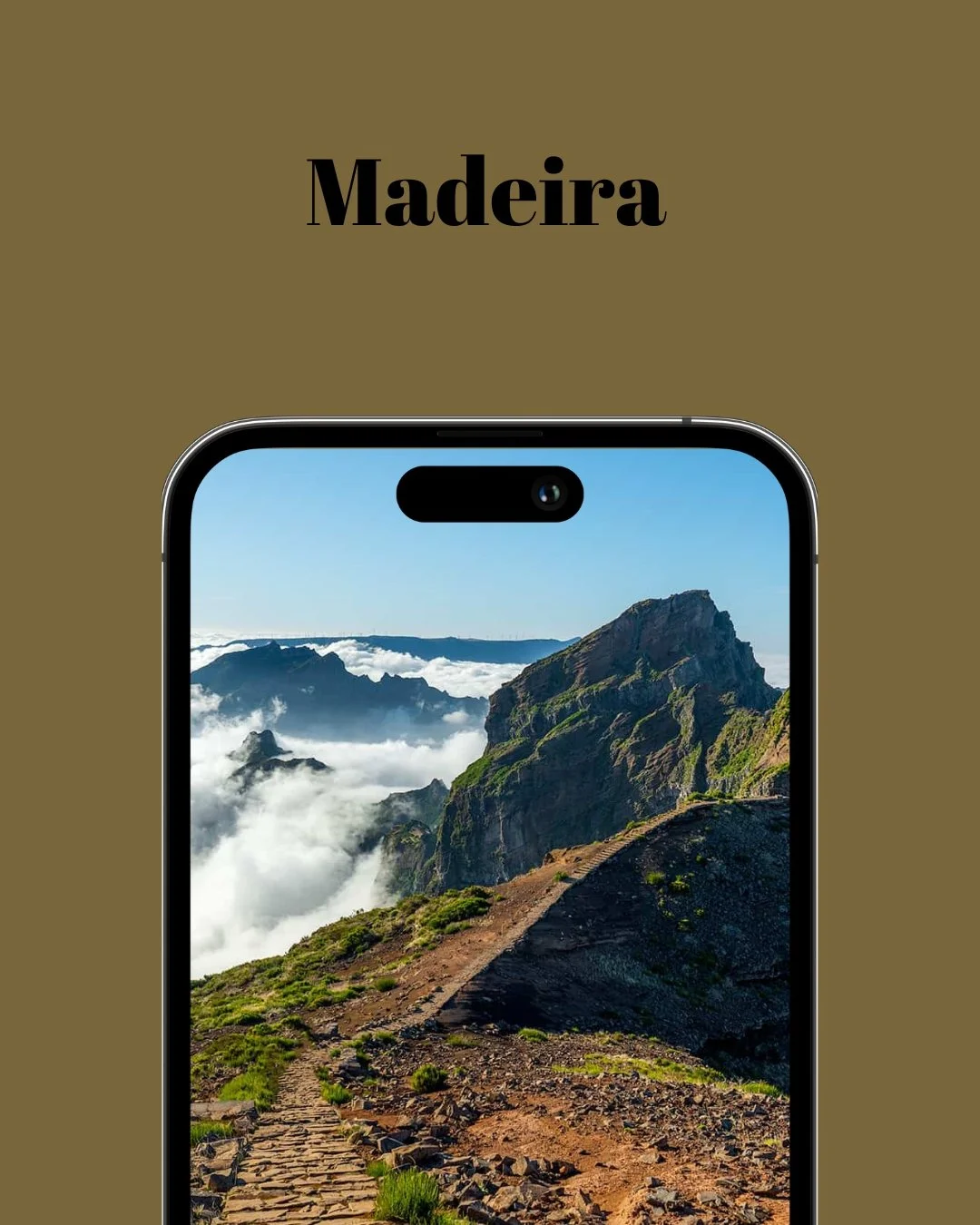
Discover hidden gems and the best places where to eat and sleep by region
-
![]()
-
![]()
-
![]()
-
![]()
-
![]()
-
![]()
-
![]()
-
![]() Description goes here
Description goes here



Step by step guide
Step 1
Download the Google Maps app on your smartphone (if you haven’t already), and make sure you’re logged into your Google account.
This will allow you to save and access the maps anytime.
Step 2
Click on the categories you'd like to explore (e.g New Opening & Must go) to add those spots to your map.

Step 3
The link will open in your Google Maps app (on mobile) or in your browser (on desktop).
Tap the “Save” button to add it to your Google Maps account for easy access anytime.
All done
You can repeat this process for as You many categories as you like. Your saved list will automatically stay updated with any new additions, no extra effort needed.
FAQs — Everything You Need to Know
-
Once you’ve added your chosen categories, they’ll be saved as lists in your Google Maps account.
Simply open the Google Maps app, tap “Saved,” and select a list to explore. Click on any spot for insider tips and details -
Yes, you need a Google account to save the different categories of spots to your Google Maps.
-
Yes, simply select the list you want to focus on under your saved lists in Google Maps.
-
Yes, once you’ve saved the lists to your Google Maps, you can then download the offline map for offline use.
-
No, you only have viewer access. If you encounter a spot that is no longer relevant or closed, feel free to contact us, so we can review and possibly remove it from our list.
-
The lists are regularly updated with new spots added and old ones removed. Onceyou’ve added the lists to your Google Maps, updates will be automatically applied— there’s nothing you need to do!